Turn Photo into Watercolor Painting
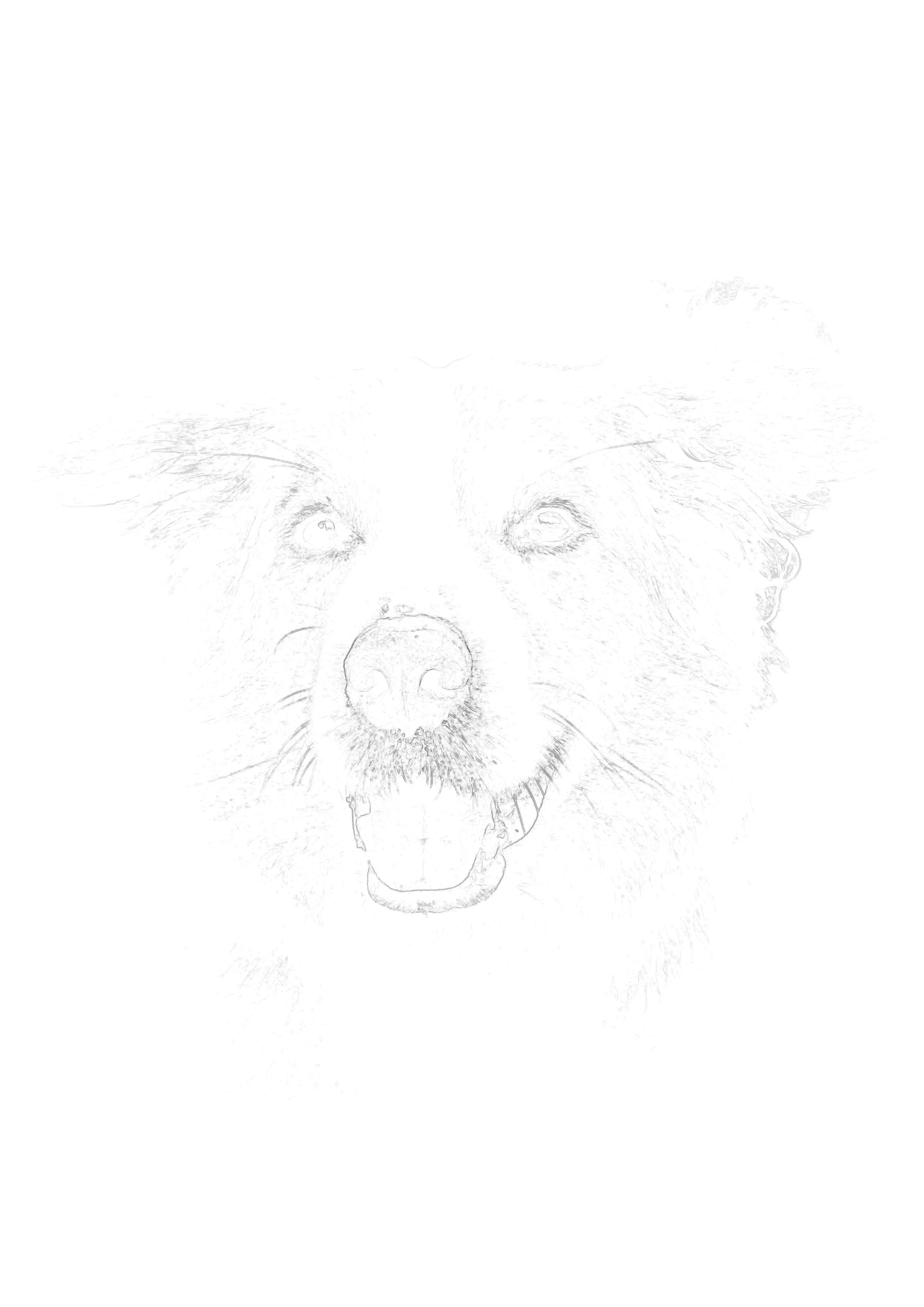
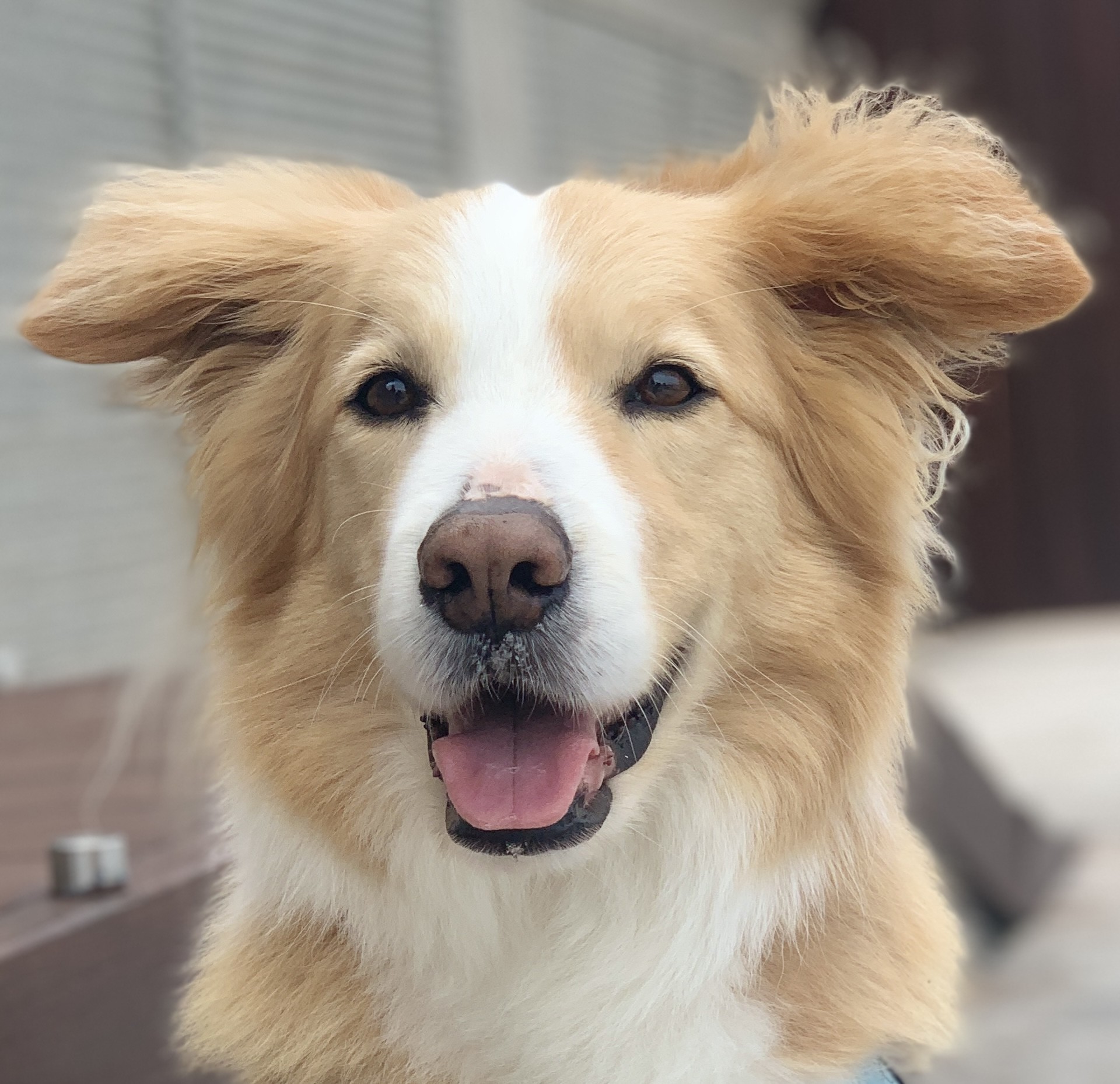
Don't settle for fake digital filters. Convert your photos into ultra-light tracing outlines, print them directly onto watercolor paper, and create authentic, hand-painted art. Preview free — no signup. HD download when ready.
Drop your photo here to start
JPG, PNG or WebP — drag in or click to browse
Print on 140lb paper
Invisible under washes
Ink will not bleed
No erasing required
Why Digital Watercolor Filters Will Never Replace Real Painting
If you search for "turn photo into watercolor," you will find hundreds of apps that slap a messy, artificial filter over your image. These digital effects might look okay on a tiny smartphone screen, but they look cheap, flat, and entirely fake when printed. They lack the unpredictable blooming of pigment, the rich granulation of real watercolor, and the organic texture of 140lb cold-press paper.
Sketchso takes a completely different approach. We believe the only way to turn a photo into a true watercolor painting is to actually paint it yourself. Sketchso simply handles the stressful, mathematical part of the process—the proportions. By generating a stark, structural outline from your photo, Sketchso gives you a flawless foundation to build your washes upon.
The Professional Workflow: Printing on Watercolor Paper
The biggest secret among professional watercolor portrait and botanical artists is that they rarely sketch directly onto their final, expensive paper. Erasing graphite damages the "sizing" (the protective gelatin coating) of the watercolor paper. Once the sizing is damaged, wet paint will sink into the paper fibers unpredictably, creating muddy, ruined patches.
The Direct Printing Method
Instead of sketching and erasing, modern artists print their outlines. Most standard inkjet printers feature a rear-feed manual tray that can easily accommodate thick 140lb (300gsm) watercolor paper. You simply trim your Arches or Fabriano paper to standard letter size (8.5x11 inches), load it into the rear tray, and print the Sketchso outline directly onto the surface.
The Golden Rule: 10% Opacity
Watercolor is a transparent medium. If you print a dark black outline, it will aggressively show through your beautiful, translucent washes and ruin the illusion of a painting. When downloading your outline from Sketchso, use the opacity slider to reduce the darkness to 10-15%. The lines should be a whisper-light gray—just visible enough for you to see the boundaries, but light enough to completely vanish once pigment hits the paper.
Will Printer Ink Bleed When I Apply Wet Watercolor?
This is the most common concern for artists transitioning to a printed-outline workflow. The short answer is: No, not if you do it correctly.
While it is true that standard inkjet ink is water-soluble, printing a Sketchso outline at 10-15% opacity deposits an incredibly microscopic amount of ink onto the paper. When you apply your first wet-on-wet wash over this faint outline, there simply isn't enough ink present to bleed, smudge, or muddy your colors.
Pro Tip: For maximum safety, after printing your outline, set the paper aside for 15-30 minutes before painting. This allows the minimal amount of ink to fully dry and set into the paper fibers before you introduce heavy amounts of water.
Perfect for Any Watercolor Subject
Different subjects require different outline densities. Adjust Sketchso's detail slider to fit what you love to paint.
Botanicals & Florals
Set the detail slider high to capture every overlapping petal and delicate vein structure before dropping in your transparent washes.
Detail: High | Opacity: 10%Loose Landscapes
Drop the detail slider low. You only need the horizon line and the major shapes of buildings or trees to anchor your loose, wet-on-wet skies.
Detail: Low | Opacity: 15%Watercolor Portraits
Use a medium setting to map the critical proportions of the eyes and nose without cluttering the smooth planes of the cheeks.
Detail: Medium | Opacity: 12%Trusted by artists who paint from photos
Free preview, no signup required
"I went from struggling with proportions to creating beautiful portraits in just one week! The invisible outlines disappear perfectly under watercolor. This tool has transformed my art practice."
Sarah M.
Watercolor Artist
"Great value for money. The adjustable sensitivity is perfect for different art mediums. I use it for colored pencil portraits and the results are amazing."
Lisa M.
Colored Pencil Artist
"Cut my sketching time in half while improving accuracy. Game changer for my art business! I can take on more commissions now."
Robert T.
Portrait Artist
Frequently Asked Questions
How do I turn a photo into a watercolor painting?
The best way to turn a photo into a real watercolor painting is to use Sketchso to generate an ultra-light tracing outline. Print this outline directly onto 140lb watercolor paper, then paint over it using your own watercolor paints. The light guide ensures perfect proportions while allowing your brushwork to remain loose and authentic.
Step-by-Step Process:
- 1Upload your reference photo to Sketchso
- 2Adjust the detail slider and drop the opacity to 10-15%
- 3Download the high-resolution file
- 4Print directly onto your watercolor paper via the rear-feed tray
- 5Apply your watercolor washes — the outline will disappear
Does this app apply a digital watercolor filter to my photo?
No. Sketchso is a tool for practicing, physical artists. We do not apply messy, fake-looking digital filters. We generate structural line-art outlines designed specifically to be printed out and painted over with real, physical watercolors.
Can my printer handle thick watercolor paper?
Most modern inkjet printers can handle 140lb (300gsm) watercolor paper if you use the rear manual-feed slot. The paper must feed straight through the printer without bending around rollers. Be sure to trim your watercolor paper to 8.5x11 inches (Letter) so it matches standard printer dimensions.
Will the printed outline show through my transparent watercolor?
Not if you set the opacity correctly! Before downloading from Sketchso, ensure the opacity slider is set to 10% or 15%. This prints the lines as a whisper-light gray. Because it is so faint, it completely vanishes under even your lightest transparent washes.
Will the inkjet ink bleed when I apply water?
Because you are printing the outline at 10-15% opacity, the amount of ink deposited on the paper is incredibly minimal. It is not enough ink to bleed or muddy your colors. For best results, let the printed paper dry for 15-20 minutes before applying your first wet-on-wet wash.
How do I transfer the outline if I can't print on my paper?
If you are working on a watercolor block or a stretched canvas that cannot go through a printer, use the graphite transfer method. Print the outline darkly on cheap computer paper, heavily scribble graphite over the back of the paper, tape it to your watercolor block, and trace over the lines firmly with a ballpoint pen.
Is the photo to watercolor outline converter free?
You can upload and preview your watercolor tracing outlines completely for free in your browser. To download the high-resolution, print-ready files without watermarks, a Sketchso subscription is required.
Explore the next best page for this workflow
Generate faint outlines and templates designed specifically for watercolor painting.
Related tool pages
Guides that support this intent
Complete Watercolor Guide
Watercolor tutorials, supplies, and painting techniques.
Watercolor Portrait Tutorial
How to paint realistic watercolor portraits over guidelines.
Watercolor Tracing Techniques
Trace and transfer watercolor guidelines with optimal opacity.
Start Your Watercolor with Perfect Proportions
Upload your photo, print your invisible outline, and enjoy the painting process without the stress of sketching.
Drop your photo here to start
JPG, PNG or WebP — drag in or click to browse
Preview free • HD download • No signup to try