Drawing paper or a light pad
Print on ordinary paper and trace onto your drawing surface. Keep the outline dark enough to see through both sheets.
For tracing and canvas transfer
Prepare a clear outline at the size you need. Print a reference for tracing, transfer it with graphite paper, or use compatible art paper in your printer.
Free preview. No signup. Studio $7.99/mo USD, billed monthly.
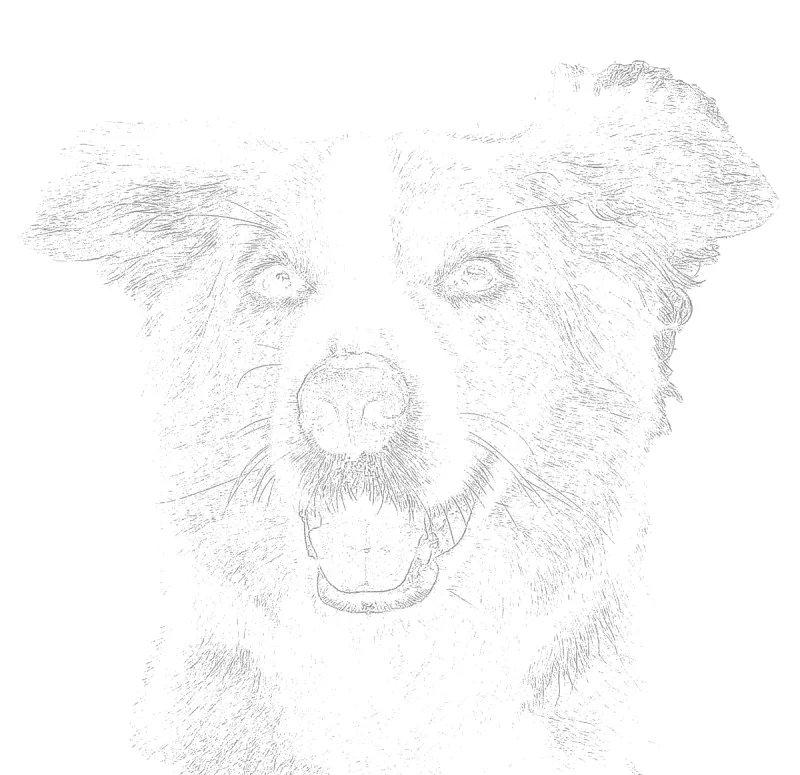
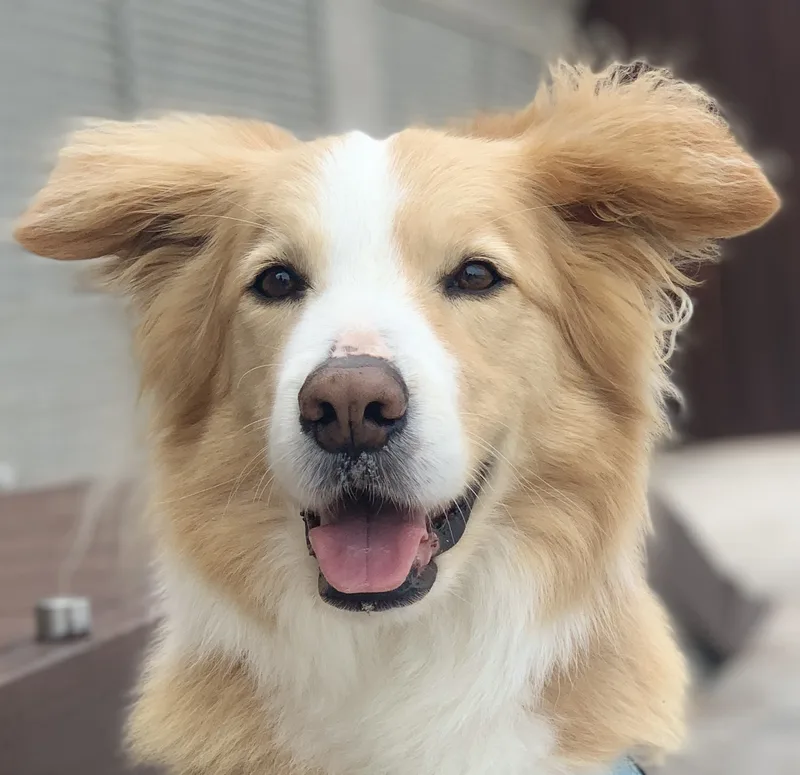
A visible guide for tracing and transfer. Actual converter output.
Your photo stays on your device for outline conversion.
A little inspiration belowA little preparation. More room to create.
Enter your artwork dimensions. The project PDF splits your outline into A4 or Letter sheets with overlap, alignment marks and a scale check.
Upload a JPG, PNG or WebP. Start with a balanced outline and reduce detail until the major shapes are easy to follow.
Keep lines visible for tracing through a light pad or using graphite transfer paper. For a direct print, lower visibility and test on a spare sheet first.
Enter your artwork dimensions in the project planner and choose A4 or Letter printer paper. Larger guides are tiled across sheets, with alignment marks and a scale check. Print at actual size, then assemble for transfer.
Notes from the worktable
Print on ordinary paper and trace onto your drawing surface. Keep the outline dark enough to see through both sheets.
Place graphite transfer paper between the printed guide and your surface, secure the sheets, and trace the main shapes with light pressure.
Check your printer’s paper weight and feed limits. A supported rear or straight-through feed may accommodate art paper. Test the ink with your intended medium before using the final sheet.
Upload the photo, adjust how many lines the guide keeps, then choose a paper size. Preview free; use a Day Pass or Studio to download the PNG or PDF or open the print dialog.
Yes. The printable project planner accepts artwork dimensions from 25 to 1200 mm per side and tiles larger outlines onto A4 or Letter sheets. The PDF includes overlap, alignment marks and a 25 mm scale check. Your photo keeps its proportions inside the chosen artwork area.
Printed ink does not erase like graphite. Visibility depends on your ink, paper and medium. Make a test print, or transfer with graphite paper if you need erasable guide lines.
Creating and adjusting a watermarked preview is free, with no signup. A $2.99 USD Day Pass unlocks exports for 24 hours without a recurring charge. Studio is $7.99/mo USD, billed monthly. Both unlock PNG, PDF and printing without the watermark.
Preview first. Choose an export plan when your guide feels right.
Made something with Sketchso? Share your artwork.
Upload a photo to trace