Dark coats
Use a reference with visible highlights around the eyes and muzzle. Increasing detail cannot replace good lighting; compare your result carefully before exporting.
For pet portrait artists
Map the eyes, muzzle and main shapes before you pick up a pencil. Create an adjustable outline from your client’s dog or cat photo, then size a guide for your paper.
Free preview. No signup. Studio $7.99/mo USD, billed monthly.
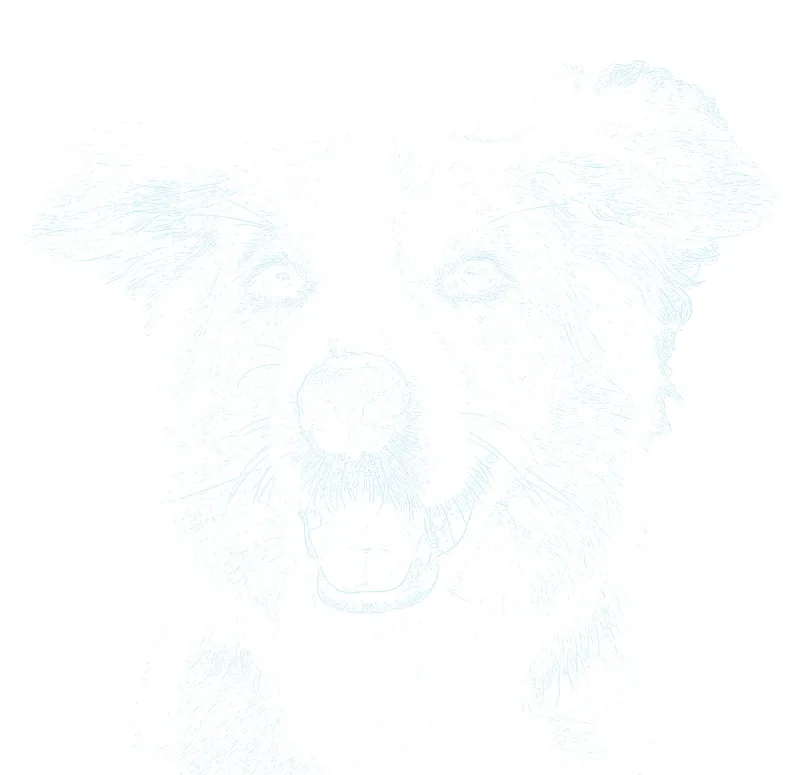
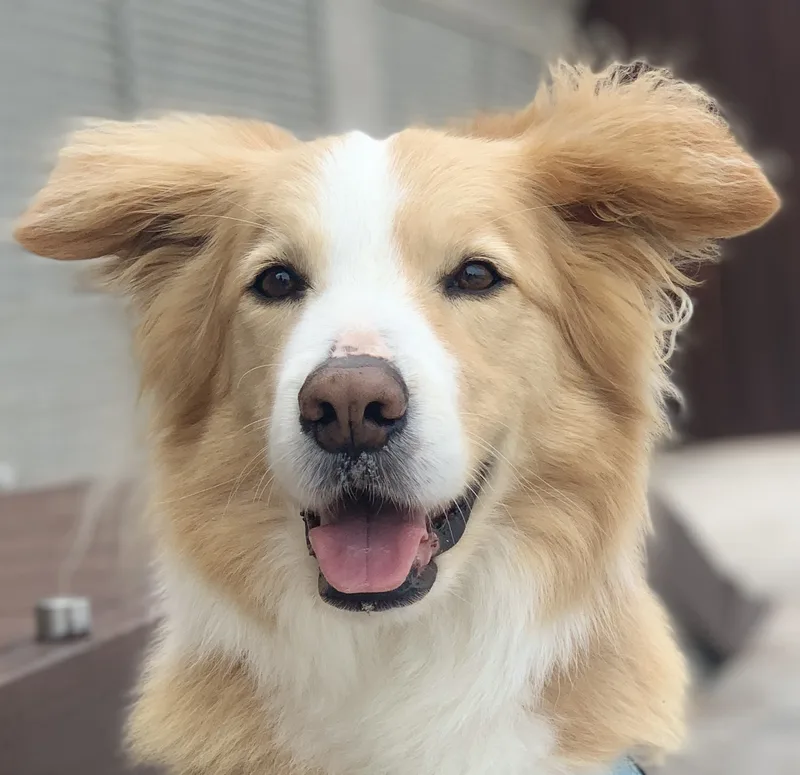
A light placement guide for a familiar face. Actual converter output.
Your photo stays on your device for outline conversion.
A little inspiration belowA little preparation. More room to create.
Compare three outline choices from your own photo, erase background distractions, and keep a reference beside your printable guide.
Start with a sharp photo at the pet’s eye level. Check that both the eyes and nose are readable; an outline cannot recover detail missing from a blurred photo.
Start with the Pet preset. Compare the outline with the photograph, then reduce detail if fur overwhelms the eyes and muzzle. Add any missing features by hand.
Choose A4, Letter or a supported canvas size. Export a PDF for a sized guide, or a PNG for your own layout. Test the print before transferring to your final surface.
Notes from the worktable
Use a reference with visible highlights around the eyes and muzzle. Increasing detail cannot replace good lighting; compare your result carefully before exporting.
Keep the larger groups of fur and the silhouette. You can draw individual hairs during rendering instead of tracing every strand.
When only a small or old photo is available, preview first. Check the defining features against the original before committing to a print.
Yes. Upload your reference to create an adjustable outline for drawing or painting a pet portrait. The result is a preparation guide; you add the shading, fur and finished artwork.
The converter follows visible edges in the photo. The Pet preset gives you starting settings, but you should compare the eyes, nose and outline with your reference and adjust or redraw details as needed.
Use your own reference or a photo you have permission to use. Normal conversion runs on your device. Optional background removal uploads the photo to a cloud service, and signed-in exports are saved to your private library.
Creating and adjusting a watermarked preview is free, with no signup. A $2.99 USD Day Pass unlocks exports for 24 hours without a recurring charge. Studio is $7.99/mo USD, billed monthly. Both unlock PNG, PDF and printing without the watermark.
Preview first. Choose an export plan when your guide feels right.
Made something with Sketchso? Share your artwork.
Upload your pet photo