Convert Image to Sketch
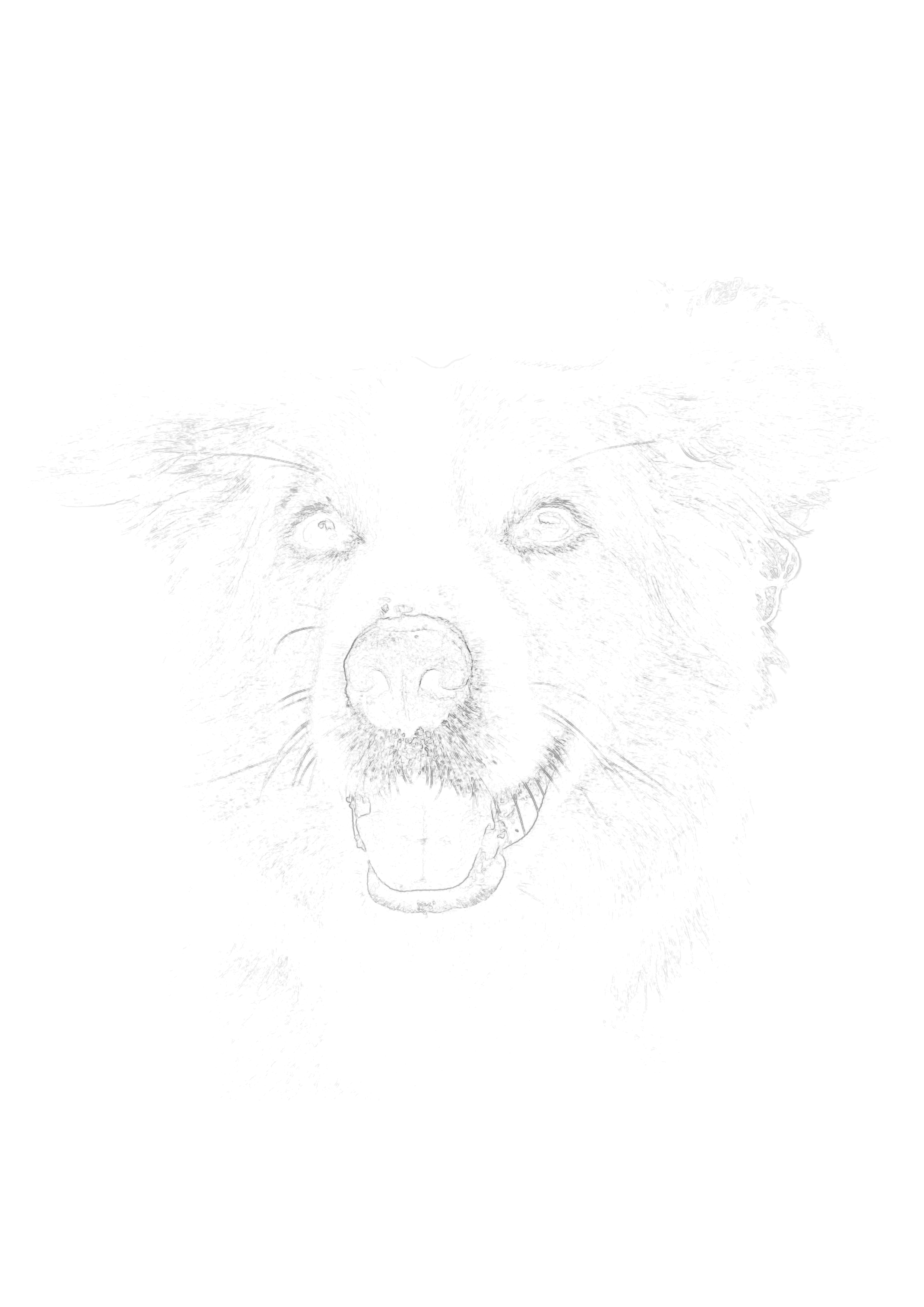
Transform any digital image into a clean, printable sketch outline. Built for artists who demand high-resolution outputs without pixelation. Preview free instantly.
Drop your photo here to start
JPG, PNG or WebP — drag in or click to browse
JPG, PNG, WebP
Instant processing
Print-ready exports
Secure & Private
Understanding Image Formats: What Works Best for Sketching?
When looking for an image to sketch converter, many artists encounter errors because their files are in the wrong format or heavily compressed. Sketchso's engine is designed to handle modern web image standards efficiently. Here is a breakdown of the best image formats to use for your artistic references.
JPEG (or JPG): The Standard
JPEGs are the most common image format, produced by almost every smartphone camera and digital SLR. They are excellent for sketch conversion because they retain a high level of detail while keeping the file size manageable. When exporting a JPEG to upload, ensure you save it at the maximum quality setting to avoid compression artifacts, which the edge-detection algorithm might misinterpret as messy sketch lines.
PNG: Uncompressed Clarity
If you are creating digital art, scanning an old photograph, or capturing a screenshot to use as a reference, PNG is the superior format. PNGs use lossless compression, meaning no pixel data is discarded to save space. When you upload a PNG to our image to sketch tool, you are providing the absolute cleanest data possible, resulting in remarkably crisp, sharp tracing outlines.
WebP: The Modern Web Standard
WebP is a newer image format developed by Google that provides superior compression without losing quality. Many stock photo websites and modern smartphones now save images as WebP by default. Older, outdated sketch converter apps will throw an error if you try to upload a WebP file. Sketchso's modern engine natively supports WebP, allowing you to instantly convert downloaded references without needing to run them through a format converter first.
Why High Resolution is Critical for Art Prints
There is a massive difference between converting an image to a sketch to post on Instagram versus converting an image to a sketch to print on a 16x20 inch watercolor canvas. That difference is resolution.
Free filter apps output images at 72 DPI (Dots Per Inch), which is standard for screens. If you attempt to print a 72 DPI image on a large sheet of art paper, the printer has to stretch those pixels, resulting in blurry, jagged lines. Tracing a blurry line is frustrating and leads to inaccurate proportions in your final artwork.
Sketchso is built for physical artists. When you convert an image and download it with a premium subscription, you receive a high-resolution file suitable for 300 DPI printing. This ensures that even on large canvases, the sketch lines remain incredibly sharp, thin, and precise—giving you the exact guidance you need for professional painting and drawing.
Frequently Asked Questions
How do I convert an image to a sketch?
You can convert any image (JPG, PNG, or WebP) to a sketch using Sketchso. Simply upload your image file, adjust the detail slider to capture the structural lines, and the tool will instantly generate a clean sketch outline. This outline is perfect for printing on art paper and using as a tracing guide for painting or drawing.
Step-by-Step Process:
- 1Upload your image file (JPG, PNG, WebP)
- 2Adjust the outline sensitivity slider
- 3Preview the converted sketch instantly
- 4Download the high-resolution file to print
Can I convert a PNG image to a sketch?
Yes, Sketchso natively supports PNG images. In fact, PNGs often produce the best sketch outlines because they use lossless compression, resulting in incredibly sharp edges for the converter to detect.
Does the converter work with WebP images?
Yes. Unlike many older online tools, Sketchso fully supports WebP image files. You do not need to convert your WebP to a JPG before uploading.
What is the maximum image size I can upload?
You can upload high-resolution images up to 10MB in size. This ensures the converter has plenty of pixel data to generate a clean, detailed sketch outline without crashing your browser.
Will the generated sketch be high resolution?
Yes. When you subscribe and download the sketch, you will receive a high-resolution file optimized for printing on art paper (such as 8.5x11, 9x12, or larger formats) without blurry pixelation.
Can I turn an image into a line drawing for commercial use?
Yes. The line drawings and sketches you generate from your own original images belong entirely to you. You can use them for commercial commissions, selling prints, or publishing coloring books.
How do I get the cleanest lines from my image?
To get the cleanest lines, ensure your original image is well-lit and in focus. Before uploading, you can use your phone's photo editor to increase the contrast slightly. Once uploaded, use a lower sensitivity setting on the Sketchso slider to remove unnecessary noise.
Explore the next best page for this workflow
This cluster supports image-file intent: digital images, scans, screenshots, and printable references.
Related tool pages
Convert Photo to Sketch Online
Strong fit for browser, mobile, and no-install searches.
Image to Outline Converter
Best when the searcher wants cleaner line art, not a sketch.
Photo to Sketch Converter
Go broader if the search intent is more general than file-format based.
Guides that support this intent
Convert Your Image to Sketch
Upload JPG, PNG, or WebP files for instant, high-res conversion.
Drop your photo here to start
JPG, PNG or WebP — drag in or click to browse