Photo to Drawing Converter
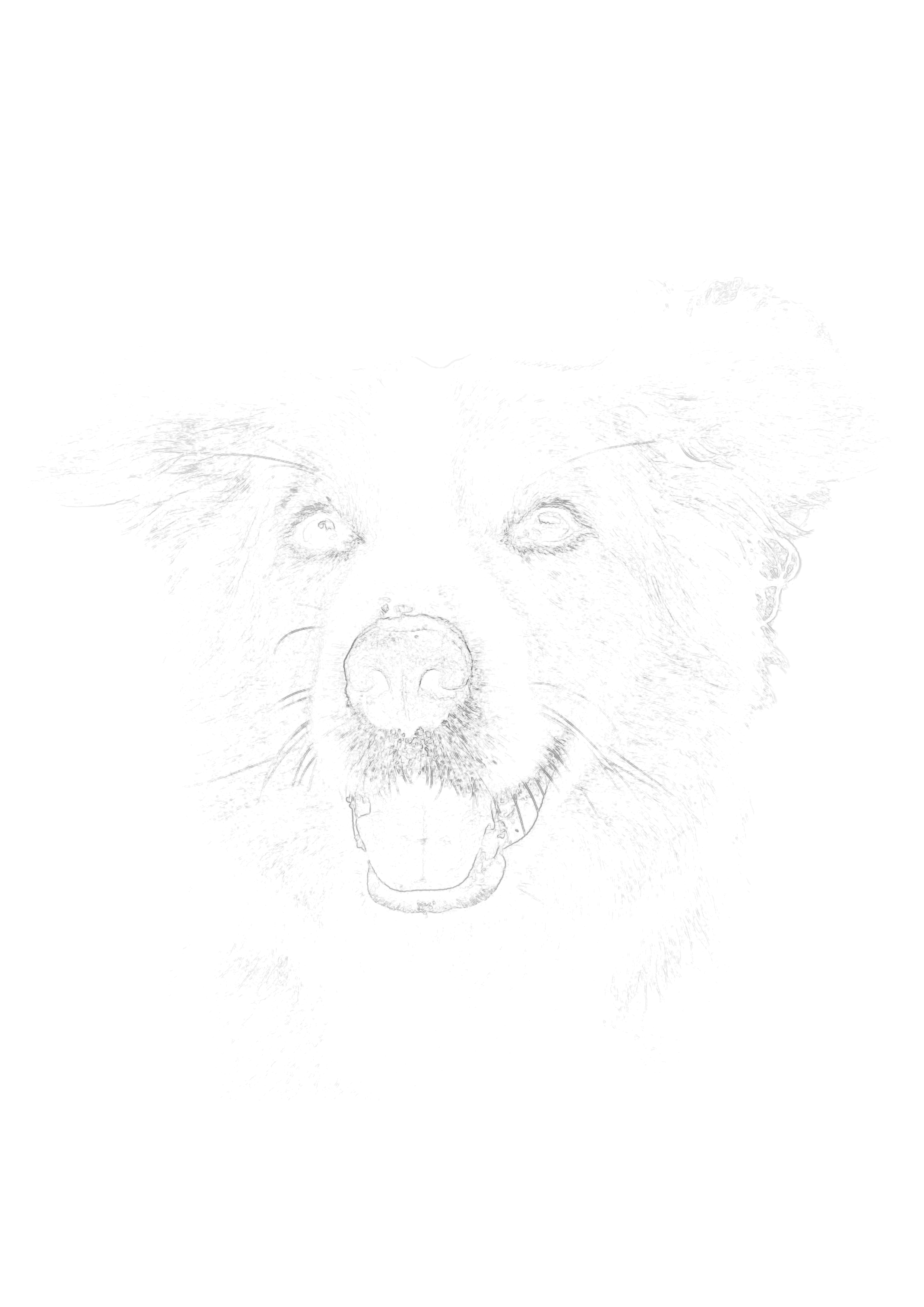
Learn to draw faster by turning complex reference photos into simple, printable drawing guides. Master your proportions instantly so you can focus on practicing your shading and rendering techniques.
Drop your photo here to start
JPG, PNG or WebP — drag in or click to browse
Master proportions
Learn to shade
Instant generation
Printable guides
How to Use a Drawing Converter to Learn Faster
When beginners try to learn how to draw portraits or complex subjects from photographs, they often hit a wall of frustration. They spend three hours trying to place the eyes correctly, get discouraged by the disproportionate result, and quit before they ever get to practice shading, blending, or texturing. A photo to drawing converter removes this roadblock entirely.
Deconstructing the Image
Learning to draw requires learning how to deconstruct a 3D world into 2D lines. When you run an image through Sketchso, you are essentially looking at an X-ray of the photograph. The converter strips away the distracting colors and shadows, revealing the pure structural architecture of the subject. Studying these generated outlines teaches your brain how to simplify complex forms into lines.
Separating Proportions from Shading
Drawing is actually two distinct skills: measuring proportions (geometry) and rendering light (shading). Trying to learn both simultaneously is overwhelming. By using a drawing guide generated by our converter, you essentially "cheat code" the geometry step. This frees up 100% of your cognitive energy to focus on the shading step. You can practice applying smooth graphite gradients, cross-hatching, and blending without worrying that the underlying face looks warped.
Building Muscle Memory Through Tracing
Many traditional art teachers frown upon tracing, claiming it's a crutch. However, cognitive science and modern art education show that tracing—when done with active observation—is one of the fastest ways to build physical muscle memory.
If you generate a drawing outline of a hand and draw directly over it, your own hand is physically forced to move in the correct, anatomically accurate arcs and sweeps required to draw fingers. You feel the angles. You experience the subtle curvature of a wrist. If you do this ten times, and then attempt to draw a hand freehand, your muscles will naturally want to follow the correct paths they've been trained on.
The photo to drawing converter provides endless, perfectly accurate practice sheets. Want to get better at drawing noses? Upload ten different photos of noses, generate the outlines, print them out, and trace them while carefully studying the original photos. It is the visual equivalent of a musician playing scales.
Frequently Asked Questions
How do I convert a photo into a drawing guide?
Upload your reference photo into the Sketchso photo to drawing converter. The tool analyzes the edges and generates a minimal, structural outline. Print this outline directly onto your drawing paper at a very light opacity (15%). This gives you a flawless foundation of proportions, allowing you to trace the initial structure and then manually practice your pencil shading using the original photo as a reference.
Step-by-Step Process:
- 1Upload your reference photo
- 2Generate a light outline guide
- 3Print the guide on drawing paper
- 4Manually shade and render over the lines
Is there an app that turns a photo into a pencil drawing?
While there are many novelty apps that apply a fake pencil filter over a photo, Sketchso is different. It generates an invisible, structural outline that you print on real paper. You then use a real pencil to shade over it, creating a truly authentic, hand-drawn piece of art.
How can I get better at drawing from reference photos?
The fastest way to improve is to isolate your skills. Use Sketchso to generate a light outline of your reference photo and print it. Tracing the outline builds muscle memory for proportions, while manually shading the rest of the piece trains your eye for values and lighting.
Can I use this tool to learn how to draw anime or cartoons?
Absolutely. If you have a reference image of a favorite character, run it through the converter to strip away the color and shading. This leaves you with the bare line art, which is incredibly useful for studying character proportions and line weight.
Will drawing from a converted photo stifle my creativity?
No. Even when using a proportional guide, the creativity comes from how you interpret the reference. You control the pencil strokes, the depth of the shadows, the medium you choose, and the stylistic flair. The guide just prevents frustrating anatomical errors.
What paper should I print my drawing guide on?
Avoid standard computer paper if you intend to do serious drawing. Buy a pad of Bristol board (Vellum surface) or heavy drawing paper (80lb+). Trim it to fit your printer, and print the guide directly onto it. This paper handles heavy graphite shading and erasing much better.
Explore the next best page for this workflow
This route supports photo-to-drawing converter intent for pencil, charcoal, ink, and painting workflows.
Related tool pages
Guides that support this intent
How to Draw Portraits from Photos
Strong fit for portrait and commission-based drawing traffic.
Ultimate Drawing Guide
Broader drawing fundamentals for all skill levels.
Photo Reference for Artists
Choose better photos before converting to drawings.
Start Learning to Draw Faster
Generate perfect proportional guides from any reference photo.
Drop your photo here to start
JPG, PNG or WebP — drag in or click to browse